Most WordPress SEO advice still stops at the same three steps: install a plugin, fix your permalinks, and submit a sitemap. That advice was never wrong, but it was never enough either, and in 2026 it covers less of the picture than ever. Google now answers a large share of searches directly inside AI Overviews before a user ever reaches the results list, and tools like ChatGPT, Gemini, and Perplexity pull answers from the open web using similar retrieval methods. A WordPress site that only optimizes for the old blue-link results is optimizing for a shrinking part of how people actually find information.
This guide treats WordPress SEO as a full system: the platform settings that remove friction, the technical foundation that makes a site crawlable, the content and intent work that makes it worth ranking, and the structural choices that make it citable by AI systems. Each recommendation explains why it matters, not just what to click.
Direct Answer
WordPress SEO is the practice of configuring a WordPress site’s settings, structure, content, and code so that search engines and AI-powered search systems can crawl, understand, rank, and cite it. In 2026, effective WordPress SEO requires three layers working together: a clean technical foundation (fast loading, correct indexing, mobile usability, structured data), content built around real search intent and topical depth, and a site structure clear enough that both Google’s ranking systems and generative AI models can extract accurate, quotable answers. No single plugin or setting accomplishes this. WordPress SEO is a system, not a checklist item.
Key Takeaways
-
WordPress SEO in 2026 has to account for AI overviews and AI-generated answers, not only traditional rankings. Google has stated this is still SEO, built on the same core quality systems, not a separate discipline.
-
Technical fundamentals (indexing, speed, mobile usability, HTTPS) remain the entry ticket. Content quality and search intent alignment decide whether you actually rank.
-
Internal linking and topical authority matter more than isolated keyword targeting, because both Google and AI systems reward sites that cover a subject in depth.
-
An SEO plugin handles mechanics like meta tags and schema. It does not do keyword research, write your content, or fix a weak site structure.
-
E-E-A-T signals, real author information, original insight, and clear structure increasingly decide whether AI systems trust a page enough to cite it.
What Is WordPress SEO?
WordPress SEO refers to the specific set of practices used to make a WordPress-built website visible in search results and AI-generated answers. It includes platform-level settings unique to WordPress (permalinks, indexing controls, category structure), general technical SEO (site speed, crawlability, structured data), and content SEO (keyword research, search intent, internal linking). WordPress gives you more direct control over these levers than most other platforms, which is an advantage only if you know which levers actually matter.
Why WordPress SEO Is Changing in 2026
The biggest shift is not a new ranking factor. It is a new destination for the answer. AI Overviews and AI Mode use retrieval-augmented generation: Google’s systems retrieve pages that are already eligible to rank, then an AI model synthesizes a response with citations back to a handful of sources. Your page still has to earn its place in Google’s index and quality systems first. Nothing about AI search removes the need for solid WordPress SEO fundamentals. It adds a second layer on top of them.
Google’s own guidance is direct about what has not changed: you do not need an llms.txt file, you do not need to chunk your content into fragments, and you do not need to rewrite your writing in some artificial “AI-friendly” style. What actually helps is original content that reflects real experience, a clean technical foundation, and clear page structure, the same things that have mattered for years, now carrying more weight because so much competing content online is generic.
WordPress SEO Settings You Should Check First
Before touching keywords or content, confirm the platform itself is not working against you.
-
Search engine visibility. Go to Settings, then Reading, and make sure “Discourage search engines from indexing this site” is unchecked. This single box, often left checked after a site migration, silently blocks all indexing.
-
Permalinks. Under Settings, then Permalinks, choose the “Post name” structure so URLs read as words rather than numeric IDs. If your site has been live for months with a different structure, do not switch it without setting up 301 redirects first, since changing URLs on an established site can break existing links and drop rankings you already earned.
-
HTTPS. Confirm your site loads with a valid SSL certificate. HTTPS has been a baseline trust and ranking signal for years, and most WordPress hosts now include it by default, but it is worth verifying after any migration.
-
WWW versus non-WWW. Pick one version of your domain under Settings, then General, and stay consistent. Neither version has an SEO advantage over the other, but running both creates duplicate-content confusion.
How to Build an SEO-Friendly WordPress Site Structure
Site structure determines whether Google and AI crawlers can understand how your content relates to itself. A flat pile of blog posts with no hierarchy is harder to interpret than a site organized around clear topics.
Categories should represent the small number of core topics your site genuinely covers, not every tag-like idea that crosses your mind. A site with forty overlapping categories confuses both readers and search engines about what the site is actually about. Tags are better used sparingly for cross-cutting details, not as a second category system.
Avoid thin category or tag archive pages that list five or six posts with no introductory content. These pages often get indexed with almost no unique value, and Google has increasingly deprioritized thin, templated pages in favor of substantive ones. Add a short, genuinely useful description to your main category pages so they read as real destinations rather than auto-generated lists.
Keyword Research and Search Intent for WordPress
Keyword research tells you what people search for. Search intent tells you what they actually want when they search it, and mismatching the two is one of the most common reasons WordPress content fails to rank even when it is well-written.
A search for “WordPress SEO checklist” wants a scannable list of action items. A search for “how does WordPress SEO work” wants an explanation. Publishing the wrong format for the intent behind a keyword, no matter how well the keyword itself is targeted, will not rank well because it does not match what Google’s systems have already determined users want. This distinction deserves more attention than most WordPress guides give it. Search Intent vs User Intent: Why Most Content Fails to Rank in 2026 covers the difference in more depth.
Practically, before writing a post, look at what is currently ranking for your target keyword. If every top result is a list, write a better list. If every top result is a detailed guide, a short list will not compete no matter how accurate it is.
How to Optimize WordPress Content for Google
Once intent is confirmed, on-page optimization inside WordPress follows a few concrete steps:
-
SEO title and meta description. Write these to match how a person would phrase the query, not to cram in every keyword variant. Your SEO plugin’s meta box makes this editable per post, but the writing itself is not automatic.
-
Heading structure. Use one H1 (usually the post title), then H2s for major sections and H3s for subpoints. This is not decorative. A clear hierarchy helps Google’s systems and AI models synthesizing an answer identify which part of your page answers which part of a question.
-
Answer the core question early. Place a direct, concise answer near the top of a section rather than building up to it. This helps human readers and is also what makes a paragraph easy for an AI system to lift as a clean citation.
-
Avoid keyword stuffing. Repeating a phrase unnaturally does not help rankings and reads poorly to actual visitors, which increases bounce rate, a signal that does hurt you indirectly.
Internal Linking and Topical Authority
Internal linking is the most underused lever in WordPress SEO. Every post you publish is an opportunity to point to related content you already have, which does two things: it helps visitors find more of your site, and it tells search engines which pages you consider most important within a topic.
Topical authority is built by covering a subject from multiple angles rather than publishing one post and moving to an unrelated topic. A site with fifteen well-linked, in-depth posts about WordPress security signals far more authority on that topic than a site with fifty scattered, unrelated posts. When you publish new content, look for at least two or three existing posts you can link to naturally, and update older posts to link forward to new, relevant additions.
Technical SEO for WordPress
Technical SEO is the plumbing. Get it wrong, and no amount of content quality will save you.
-
XML sitemap. Most SEO plugins generate this automatically. It does not improve rankings directly, but it helps Google discover your pages faster.
-
Robots.txt. This file tells crawlers which parts of your site to skip. Misconfiguring it, for example, accidentally blocking your entire site, is a surprisingly common and easily missed error.
-
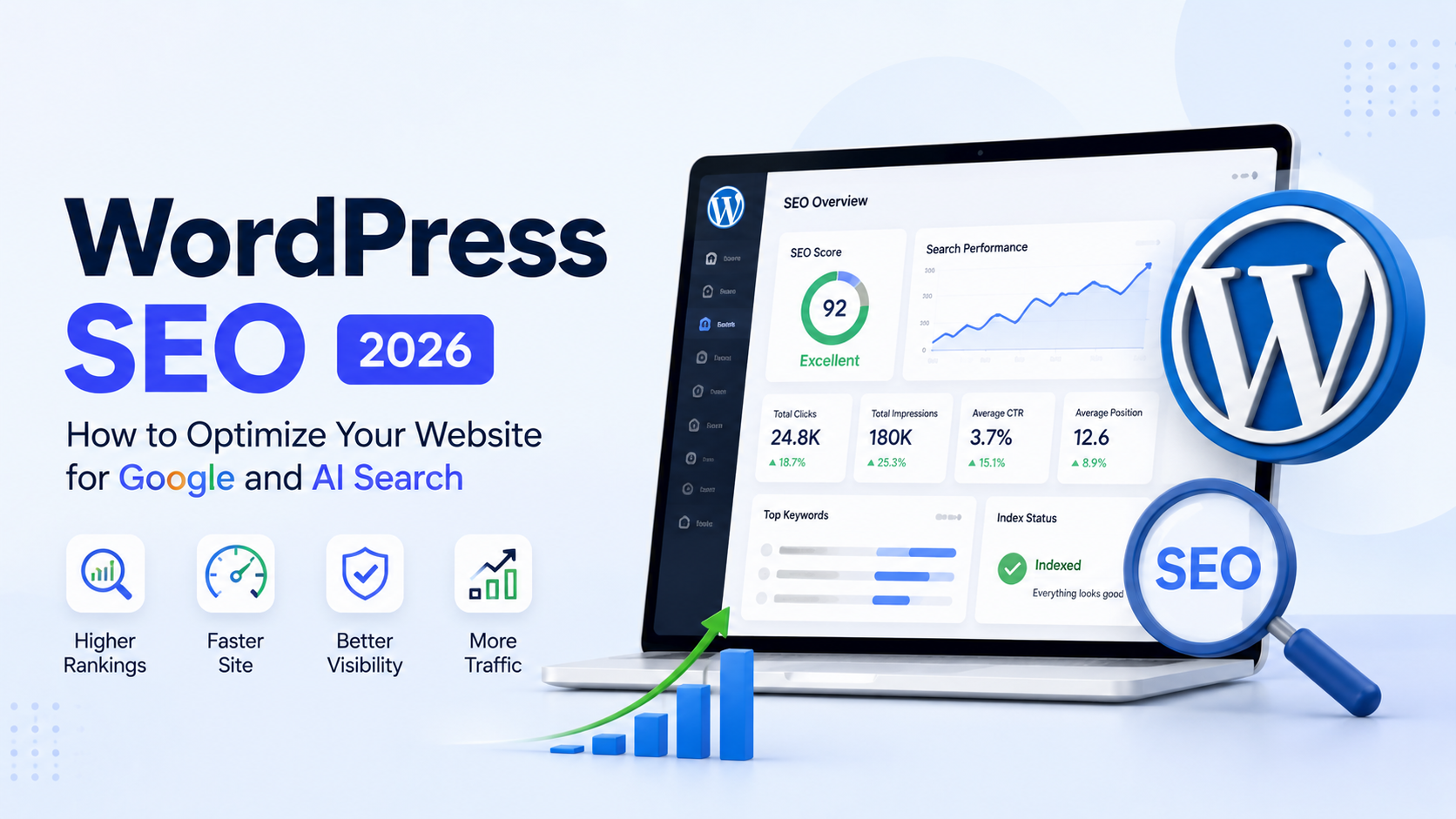
Google Search Console. Connect your site and check it regularly. The Coverage report flags pages Google cannot index, and the Performance report shows which queries actually bring traffic. Google also introduced a generative AI performance report inside Search Console in 2026, showing impressions within AI Overviews and AI Mode, which is currently the most reliable way to see whether your content is being cited.
-
Indexing issues. Pages accidentally marked noindex, duplicate content across parameters, or orphaned pages with no internal links pointing to them are common, quiet problems worth auditing every few months.
Technical SEO overlaps heavily with general site health. A site that loads slowly or gets compromised by an outdated plugin loses both rankings and trust, which is why How to Speed Up a WordPress Website in 2026 and How to Secure a WordPress Website in 2026 are worth treating as SEO reading, not separate topics.
WordPress Performance and Core Web Vitals
Core Web Vitals measure real user experience: how fast content loads, how quickly a page becomes interactive, and how much it shifts visually while loading. These are confirmed ranking signals, and they matter more on WordPress specifically because heavy themes, unoptimized images, and too many plugins compound quickly. A slow site does not just rank worse. It also gets abandoned before an AI crawler or a human reader ever reaches your actual answer.
Image SEO
Every image should have descriptive alt text, both for accessibility and because Google uses alt text to understand image context. Beyond that, image file size is a frequent, avoidable drag on performance. Compress images before upload, use modern formats like WebP where your theme supports them, and avoid uploading full-resolution camera files directly into a post.
Schema and Structured Data
Structured data (schema markup) gives search engines explicit, machine-readable context about your content: that a page is an article, a recipe, an FAQ, or belongs to a specific author. Google treats schema as valuable mainly for enabling rich results like star ratings or FAQ dropdowns, not as a requirement for AI visibility. Other AI systems weight it differently. Microsoft has been explicit that schema markup is central to how Bing’s AI features, including Copilot, understand a page. The safest approach for WordPress SEO is to enable Article, FAQ, and Author schema through your SEO plugin regardless of which system weighs it more heavily, since it costs nothing and helps across the board.
How WordPress SEO Connects With AI Search
AI search systems retrieve content from the same index Google’s traditional search already built, then synthesize an answer with citations. This means a page ineligible for traditional ranking is also ineligible for AI citation. There is no separate “AI SEO” track that bypasses the fundamentals.
What changes is which pages get selected for citation once they are eligible. Generic, commodity content, the kind that restates common knowledge with no original detail, is the easiest for an AI system to summarize without needing to cite a specific source. Content built around a specific detail, a real number, a firsthand explanation, or a distinct point of view is harder to summarize away and more likely to be cited directly.
Google AI Overviews, AEO, and GEO
AEO (answer engine optimization) and GEO (generative engine optimization) are terms used to describe optimizing content for AI-generated answers rather than ranked links. Google’s own position is that, for its results, this is not a separate discipline: it is standard SEO applied to a newer results format. That means the practical work is familiar: direct answers placed early, clear heading structure, genuine depth on a topic, and credible authorship. Google AI Overviews Explained: How They Work and What They Mean for SEO in 2026 goes deeper into how these systems select and cite sources.
What SEO Plugins Actually Do
An SEO plugin such as Yoast SEO or Rank Math handles the mechanical layer of WordPress SEO: editing title tags and meta descriptions, generating an XML sitemap, adding schema markup, and managing redirects, all without touching code. What it cannot do is research your keywords for you, decide which search intent to target, write content with real depth, or fix a confusing site structure. Treating a plugin as your SEO strategy is a common and costly mistake. It is a toolset, not a substitute for the thinking behind it. For a full breakdown of which plugin fits which situation, see Best WordPress Plugins for Bloggers and Business Websites in 2026.
Common WordPress SEO Mistakes
Installing too many SEO plugins. Running two plugins that both try to control meta tags and schema causes duplicate or conflicting output, which actively confuses search engines rather than helping them.
Keyword stuffing. Repeating a phrase unnaturally does not improve relevance signals and makes content harder to read, which increases the chance a visitor leaves quickly.
Ignoring search intent. Publishing a detailed guide for a keyword that wants a quick list, or vice versa, wastes the effort because the content format itself is mismatched to what ranks.
Creating thin category pages. Archive pages with no context and a handful of posts get little indexing value and dilute the perceived quality of the rest of the site.
Publishing without internal links. A new post with zero links to existing content misses an easy authority signal and leaves readers with nowhere else to go on your site.
Ignoring indexing problems. Pages accidentally set to noindex or blocked in robots.txt can sit invisible for months if nobody checks Search Console regularly.
Using duplicate titles. Multiple pages competing for the same title tag confuse Google about which page to rank for a given query.
Ignoring image optimization. Large, uncompressed images are one of the most common and avoidable causes of slow Core Web Vitals scores on WordPress sites.
Relying entirely on plugins. A plugin cannot make thin content deep or fix intent mismatches. It only manages the technical output.
Publishing without a topical strategy. Random, unrelated posts build less authority than a smaller number of posts that thoroughly cover a defined set of subjects.
Ignoring AI search. Writing only for traditional rankings while ignoring how AI systems synthesize and cite answers means missing a fast-growing share of how people now find information.
WordPress SEO Checklist for 2026
-
Confirm search engine visibility is enabled and permalinks use the post name structure
-
Set up one SEO plugin and configure titles, meta descriptions, and schema
-
Submit your XML sitemap through Google Search Console
-
Check the coverage and generative AI performance reports monthly
-
Organize content into a small number of clear categories, and avoid thin archive pages
-
Match content format to search intent before writing
-
Add internal links to relevant existing posts in every new piece of content
-
Compress images and use descriptive alt text
-
Monitor Core Web Vitals and site speed
-
Add real author bios and Person schema where supported
-
Review older content for accuracy and update publish or modified dates when meaningfully revised
How to Measure WordPress SEO Performance
Google Search Console remains the primary free tool for measuring WordPress SEO, showing which queries generate impressions and clicks, which pages have indexing issues, and, increasingly, which pages appear within AI Overviews through the Generative AI performance report. Pair this with an analytics tool connected to your site to see how organic visitors actually behave once they land. Treat any third-party tool claiming to measure “AI ranking” with some skepticism, since no outside tool has access to Google’s internal systems. First-party data from Search Console and Bing Webmaster Tools is the most reliable signal available.
Final Thoughts
WordPress SEO in 2026 asks for the same discipline it always has, applied to a wider set of destinations. Get the platform settings right, build a technical foundation that does not get in your own way, write for real search intent instead of guessing at keywords, and structure content clearly enough that both a human reader and an AI system can follow it. None of this requires chasing every new acronym. It requires doing the fundamentals consistently, on a site that is technically sound, well organized, and genuinely useful to the people it was built for.