Running a WordPress website in 2026 without a real security plan is like leaving your front door unlocked in a neighborhood where break-ins happen constantly. Automated bots scan the internet around the clock, probing for outdated plugins, weak passwords, and misconfigured servers. I have spent over fifteen years cleaning up hacked WordPress sites, and the pattern is almost always the same: a small oversight, ignored for months, eventually turns into a full compromise.
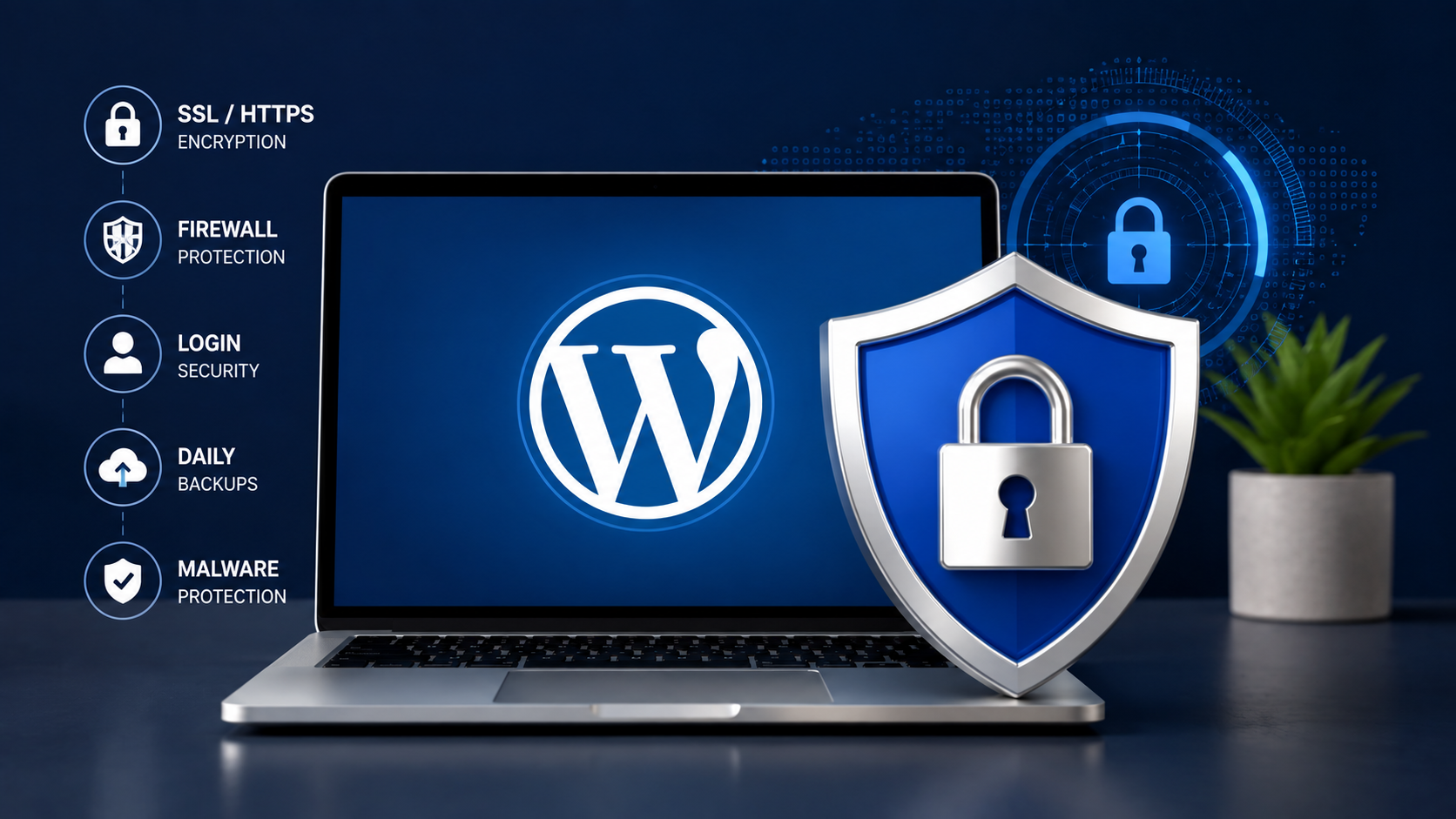
Learning how to secure a WordPress website is no longer optional for anyone running a blog, business site, or online store. Threats have grown more automated and sophisticated, and the cost of recovery, both financial and reputational, far outweighs the effort required for prevention. This guide walks through how WordPress attacks actually happen and the practical steps that reduce risk.
Why WordPress Websites Become Targets
WordPress powers a massive share of websites, and that popularity is exactly why it attracts attackers. When a vulnerability surfaces in a widely used plugin, hackers write a script that scans millions of sites within hours.
Weak passwords remain shockingly common among non-technical owners. Outdated core files, themes, and plugins leave known holes open, since vulnerability databases are public and a single poorly coded plugin can compromise an otherwise secure site.
Human error plays a larger role than most admit. Sharing credentials over unencrypted channels or clicking a phishing email disguised as WordPress can undo months of hardening in seconds.
Common WordPress Security Threats
Understanding how attacks work makes every defensive measure easier to justify.
Brute force attacks involve bots repeatedly guessing usernames and passwords against your login page. A single unprotected site can receive thousands of attempts daily until a weak password gets cracked.
Malware infections often begin quietly, with malicious code injected into theme files or the database, then used to redirect visitors, send spam, or mine cryptocurrency. Owners often do not notice until Google flags the site or the host suspends it.
SQL injection exploits poorly sanitized input fields to manipulate your database directly, tricking it into revealing user data or granting unauthorized access.
Cross-site scripting, or XSS, injects malicious scripts into pages viewed by others, stealing cookies or redirecting visitors to phishing pages. File inclusion attacks exploit unvalidated code to execute arbitrary scripts. Credential theft often happens through phishing rather than technical exploitation, a reminder that security is about people as much as code.
Keep WordPress Updated Safely
Outdated software is the single most common cause of WordPress hacks I encounter in recovery work, since every update often patches vulnerabilities attackers are actively exploiting.
That said, updating carelessly creates its own risks, since pushing a major update directly to a live site can break checkout pages or custom functionality. This is why staging environments, private copies of your site for testing, matter before applying changes live.
Compatibility testing should always precede major updates, especially on sites with custom themes or several interconnected plugins. Our guide on the Safest Way to Update WordPress Without Breaking Your Website covers a reliable update workflow that minimizes downtime.
Security patches should be applied within days; minor updates can follow a weekly schedule, and major updates deserve staging tests first, particularly for revenue-generating sites.
Choose Secure Hosting
Hosting is the foundation everything else sits on, yet it gets far less attention than plugins or passwords. A poorly secured server can undermine even a carefully configured WordPress installation.
Managed WordPress hosting providers typically include server-level firewalls, automatic malware monitoring, isolated account environments, and regular backups built into the infrastructure. This matters because many attacks target the server itself, exploiting outdated PHP versions or shared hosting environments where one compromised account affects neighboring sites.
Server hardening includes disabling unused services and enforcing updated PHP and MySQL versions. Smaller sites on shared hosting may not need enterprise infrastructure, but they need a host that takes these basics seriously. Larger stores benefit from dedicated resources and proactive monitoring, since the cost of downtime scales with revenue.
Strengthen Login Security
The login page remains the most attacked entry point on any WordPress site, so strengthening it should be an early priority.
Strong, unique passwords generated through a password manager eliminate the weakest link in most brute force scenarios. Two-factor authentication, often called “2FA,” adds a second verification step, usually a time-based code from an app, so a stolen password alone cannot grant access. I consider this essential for any site with more than one user account.
Limiting login attempts blocks repeated failed logins, frustrating bots without inconveniencing legitimate users. Renaming the default admin username and using unique accounts per team member reduces the attack surface and keeps breach investigation possible.
Secure Plugins and Themes
Plugins and themes are where most WordPress vulnerabilities originate, simply because they are written by developers with varying security awareness.
Choosing reputable developers with an active support history reduces risk. Abandoned plugins, those without updates for a year or more, should be removed even if they still function, since unpatched vulnerabilities remain exploitable.
Minimizing installed plugins is not just a performance move, since every plugin is another potential entry point. Our guide on How to Speed Up a WordPress Website in 2026 covers how trimming plugins improves both speed and security together.
Code quality matters more than popularity. A plugin with fewer installs but clean, well-documented code can be safer than a widely used one with a history of vulnerabilities. Checking the changelog for security-related fixes often signals responsible maintenance.
Configure SSL and HTTPS Properly
SSL certificates encrypt data traveling between a visitor’s browser and your server, and HTTPS is the protocol that uses this encryption, without which submitted data can be intercepted on unsecured networks.
Most hosts now offer free SSL certificates, so there is rarely a reason to skip this step. The more common problem is mixed content, where elements still load over insecure HTTP, triggering warnings that damage visitor trust and require updating hardcoded URLs.
Certificate management also matters for larger sites using multiple subdomains. Expired certificates cause sudden outages that can be avoided entirely through auto-renewal settings most hosts provide by default.
Protect Against Malware
Malware scanning tools examine your files and database for known malicious patterns, and running scans on a schedule catches infections before they spread or get indexed by search engines.
File integrity monitoring tracks changes to core files and alerts you when something is modified outside a normal update process, catching infections invisible during a normal site visit.
Suspicious behavior detection looks for unusual patterns, such as new admin accounts appearing without explanation or spikes in server usage. Sites recover fastest when owners notice something odd early and investigate immediately.
Configure a Web Application Firewall
A Web Application Firewall, or WAF, filters incoming traffic before it reaches WordPress, blocking known patterns like SQL injection attempts and malicious bot requests. This is one of the most effective single investments for anyone learning how to secure a WordPress website, because it stops many attacks before they can test your defenses.
Services like Cloudflare offer WAF protection at the network edge, which also improves performance through caching. Rate limiting restricts how many requests a single visitor or bot can make in a given time window, which is effective against brute force attempts and content scraping.
Bot protection distinguishes legitimate search crawlers from malicious traffic. Smaller sites may find a plugin firewall sufficient, while high-traffic stores benefit from a dedicated network-level firewall.
Secure the WordPress Database
Your database holds every post, credential, and customer record, making it one of the highest-value targets for attackers.
Changing the default database table prefix from “wp_” to something unique makes automated SQL injection scripts less effective, since many attacks assume the default naming convention. User permissions within the database should follow the principle of least privilege, meaning each account should only have the access it actually needs.
A solid backup strategy protects against database corruption, not just hacking. Secure credentials stored outside plain text configuration files, combined with strong passwords for database access, close off another entry point attackers exploit through leaked configuration files.
Disable Unnecessary Features
Every active feature on your site is a potential point of failure, so disabling what you do not use genuinely reduces risk.
XML-RPC, originally built to allow remote publishing and communication between WordPress and other applications, has become a favorite target for brute force and amplification attacks. If you do not use the WordPress mobile app or integrations requiring it, disabling XML-RPC removes an entire category of attack vectors.
File editing through the WordPress dashboard allows administrators to modify theme and plugin code directly from the browser. This becomes a liability if an attacker gains admin access, since they can inject malicious code without separate server access. Disabling this through your configuration file is a simple, high-impact change.
Directory browsing, which lets visitors view raw file listings, should always be disabled, since it exposes your structure to anyone probing for vulnerabilities.
Create a Reliable Backup Strategy
Backups are your safety net when every other defense fails and deserve as much attention as active security measures.
Automated backups should match how frequently content changes. A blog might need daily backups, while an active store may need them multiple times per day.
Off-site storage matters because backups stored on the same server as your website can be destroyed alongside it during a serious compromise. Storing copies in cloud storage separate from your hosting environment ensures recovery remains possible in worst-case scenarios.
Recovery planning means knowing exactly which steps to take before an incident happens, not figuring it out during a crisis. Backup testing, meaning actually restoring a backup periodically to confirm it works, catches corrupted backups before you desperately need them. If your site ever goes down after a failed update, our guide on WordPress Site Not Working After an Update Find the Cause and Recover Safely walks through a structured recovery process that pairs well with a solid backup routine.
WooCommerce Security Best Practices
Online stores carry additional responsibility because they handle sensitive customer data and financial transactions.
Customer data, including addresses and order histories, should be protected through strict access controls and regular audits of who can view sensitive information. Payment security is largely handled by reputable payment gateways, but your store must still avoid storing raw card details and ensure checkout pages run over HTTPS without exception.
User accounts multiply your attack surface, since customers create logins too. Enforcing strong password requirements at registration helps prevent fraud. Order protection involves watching for unusual patterns, such as repeated failed payment attempts, which often signal card testing fraud rather than genuine customers.
Checkout security deserves particular attention because trust and revenue intersect there, and a single vulnerability can expose thousands of transactions.
Common WordPress Security Mistakes
After years of cleanup work, certain mistakes appear repeatedly. Owners install a security plugin and assume the job is done, unaware plugins are one layer among many. Others ignore update notifications for months, fearing breakage, not realizing staying outdated is riskier.
Reusing passwords across sites remains alarmingly common, meaning a breach elsewhere can compromise your WordPress admin too. Many owners skip backups entirely, only realizing their importance after losing months of data. Treating security as a one-time task, rather than an ongoing process, leaves sites vulnerable to threats that emerge later.
WordPress Security Checklist
Use this as a practical starting point you can implement this week.
-
Update WordPress core, themes, and plugins promptly, testing major changes on staging first
-
Choose hosting with built-in firewalls, malware monitoring, and regular backups
-
Enable two-factor authentication and limit login attempts for every admin account
-
Remove abandoned or unnecessary plugins and themes
-
Confirm SSL is active and fix any mixed content warnings
-
Schedule regular malware scans and file integrity checks
-
Configure a Web Application Firewall, such as Cloudflare, at the network level
-
Change your database table prefix and enforce least privilege database permissions
-
Disable XML-RPC, file editing, and directory browsing if unused
-
Automate backups, store copies off-site, and test restoration periodically
-
Review WooCommerce checkout and customer data protection if running a store
Conclusion
Learning how to secure a WordPress website is less about finding a single perfect plugin and more about building layered habits that reduce risk from every direction. Hosting, updates, login security, firewalls, backups, and ongoing monitoring all work together, and weakness in any one area can undermine the rest.
The sites I see recover fastest from attacks, or avoid them entirely, are run by owners who treat security as continuous maintenance rather than a checkbox completed once and forgotten. Threats will keep evolving through 2026 and beyond, but a consistent, informed approach to how to secure a WordPress website keeps your site, your customers, and your reputation genuinely protected.