Yes. AI can help you move faster in your job hunt. But it won’t do the work for you.
If you’ve been applying for weeks and haven’t heard anything back, it’s usually not an issue of how much you’re applying. Usually, it’s how you are applying. Most job hunters send the same resume to every employer, paste a recycled cover letter, change the company name, and wonder why the phone never rings.
What Are AI Job Search Tools?
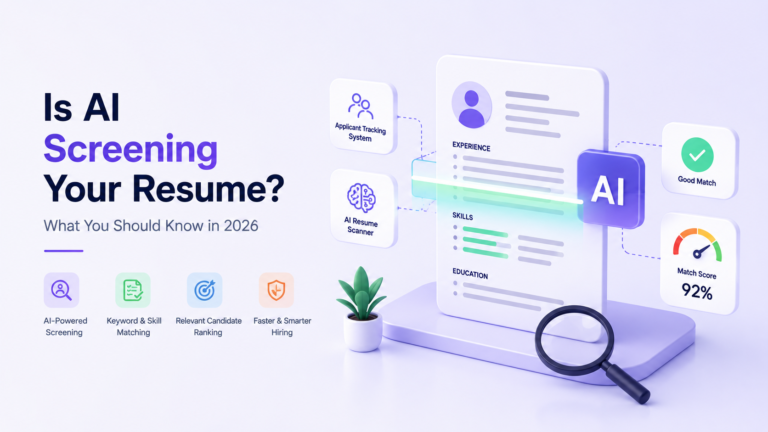
AI job search tools are software applications powered by artificial intelligence that assist job seekers throughout different stages of the hiring process. They include resume builders, ATS keyword checkers, cover letter generators, job-matching platforms, LinkedIn profile optimizers, interview practice simulators, and application tracking systems.
Some of these tools are integrated into platforms you already use, such as LinkedIn or Google. Some are standalone platforms you access via a browser or app.
AEO Quick Answer
AI job search tools are AI-powered platforms that help job seekers improve resumes, write tailored cover letters, prepare for interviews, match with relevant roles, and track applications. They work by analyzing job descriptions, identifying keyword gaps, and generating personalized content suggestions to increase your chances of getting shortlisted by both ATS systems and human recruiters.
The category covers both free and paid options. ChatGPT, Google Gemini, Jobscan, Teal, Rezi, Resume Worded, and LinkedIn’s built-in AI features are among the most widely used today. How much they help you depends entirely on how you choose to use them.
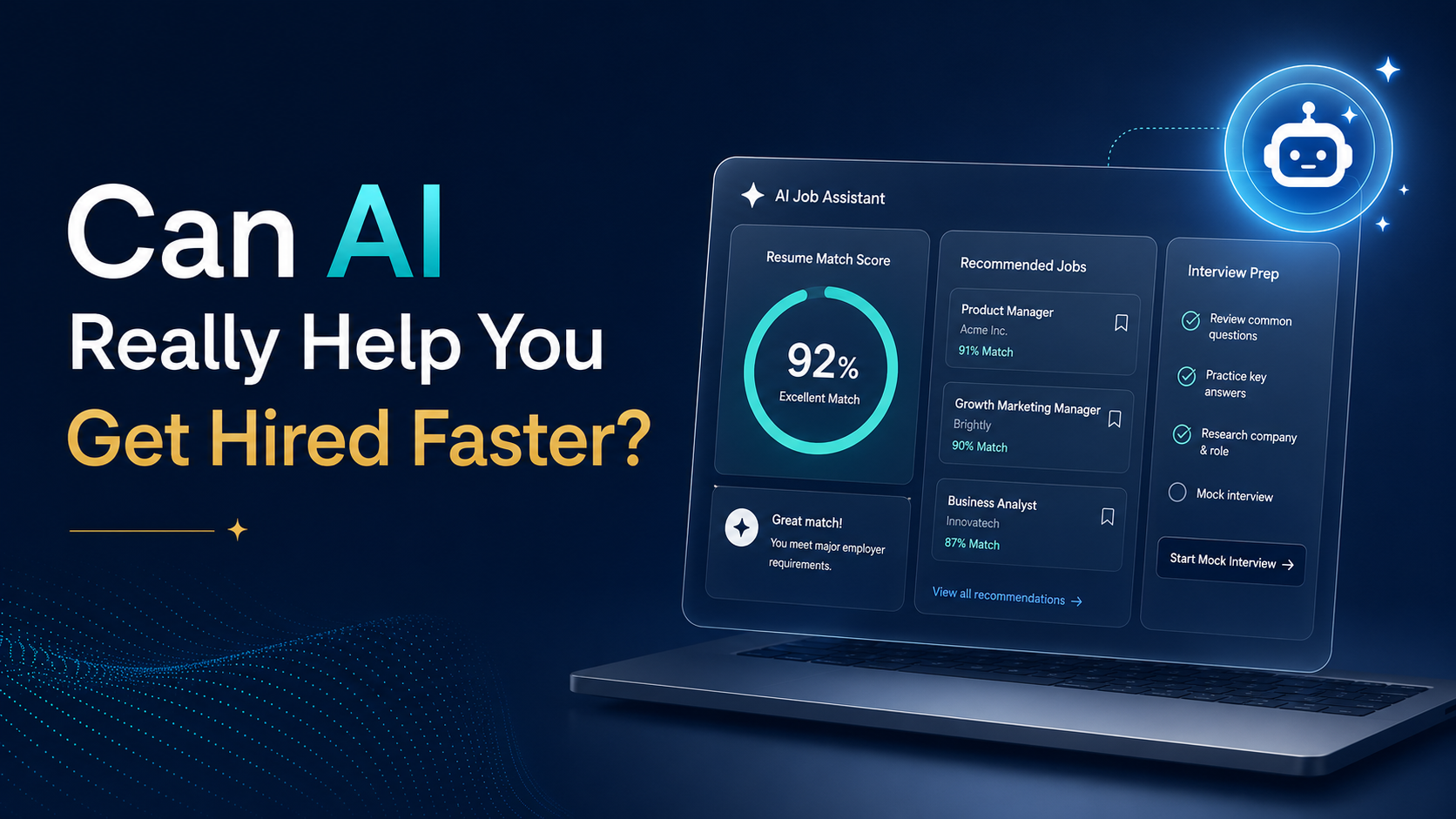
Can AI Really Help You Get Hired Faster?
Yes, but with some big limitations.
Many job seekers ask directly, “Can AI help me get a job?” The truth is that AI can get you much closer to a job offer faster, but it can’t close that final gap by itself.
The real value of AI comes in the speed and accuracy. In the past, writing a resume that fit a specific job description could take hours of careful reading, rewriting, and second-guessing. Tools powered by AI do this for job seekers in minutes: they scan the job description and pick out the most important skills and keywords and then help you rewrite your experience bullets to match them accurately.
AI also helps you be consistent. You may send different versions of your resume and cover letter for different jobs at different levels and in different industries, and you may forget which version you sent where or whether your cover letter actually responded to the specific requirements of that particular role. AI tools give shape to a process that most job seekers do in scattered spreadsheets and inbox searches.
AI lacks judgment, authenticity, and human connection. AI does not know your whole career story. It can’t tell you whether a company’s culture aligns with how you work best. It doesn’t build the professional trust that leads to a warm referral. And no matter how well optimized it is, it cannot guarantee that a hiring manager will get back to you.
Job seekers who get real results from AI use it as a capable assistant, not a magic solution. They use AI to work smarter, then add their own voice, honesty, and follow-through to get the job done.
7 Practical Ways AI Job Search Tools Can Help You Get Hired Faster
Improve Your Resume for Each Job
Write Better Cover Letters Without Sounding Generic
Most cover letters are poor because they sound like every other cover letter. The way to do this with AI is to give it detailed input. Copy and paste the job description below and summarize your background. Provide one specific reason you want this role at this company. Ask for a first draft, then revise that draft to include your genuine voice, a real example from your work, and something specific about the company that a template writer would never put in. AI takes care of the structure. You should focus on what makes your writing sound like it was created by a real human.
Find Better Job Matches
AI-powered job matching tools filter listings by your actual skills, experience level, salary expectations, location, and in some cases, company culture signals. Spending forty minutes applying to five well-matched roles is consistently more productive than spending three hours applying to fifty roles that are vaguely related to your background. LinkedIn’s AI features, Otta, and similar platforms are built to surface the roles most likely to convert into interviews for your specific profile.
Prepare for Interviews
This is one of the most underused applications of AI in a job search. You can paste a job description into ChatGPT and ask it to generate the top ten questions a hiring manager for this role is likely to ask. You can then practice your answers and ask for feedback on whether they are specific enough, clear enough, and backed by real examples. Over time this builds genuine confidence, not just surface-level familiarity with interview formats.
Improve Your LinkedIn Profile
Recruiters search LinkedIn constantly. If your profile headline is vague or your About section reads like a job description from 2019, you are invisible to the people who could call you tomorrow. Use AI to write three versions of your LinkedIn headline, rewrite your About section with relevant keywords, and sharpen your experience bullets. Then choose what sounds most like you and make sure every word on your profile is something you can back up in a conversation.
Track Your Job Applications
Most job seekers forget the position they applied for, where each application is in the process and when they last followed up. You can use tools like Teal and Notion templates to log every application with job title, company, date applied, recruiter contact, current stage, and next action. This transforms your job search from a stress-inducing guessing game into a structured, manageable process.
Identify Skill Gaps Before Applying
Before applying to a role that excites you but feels slightly out of reach, paste the job description into an AI tool and ask it to identify which required skills you already have, which you are close to, and which would take significant time to develop. This honest audit helps you decide whether to apply now, spend two weeks upskilling first, or look for a stepping-stone role that bridges the gap.
Where Most Job Seekers Use AI Wrong
Artificial intelligence can be a powerful tool in your job search, but most people quietly sabotage their applications by misusing it.
The biggest mistake is copying and pasting the AI output without editing it. Each week, recruiters receive hundreds of applications. It’s polished but empty, and they can spot AI language almost immediately. Thousands of applications contain phrases such as “results-driven professional with a passion for delivering excellence” and tell nothing real about you or your work.
Another mistake is using the same AI-generated resume for every job application. But even if well written, a generic resume will not do the job unless you tailor it to each individual employer’s particular priorities.
Including skills you do not possess because AI suggested them is a big mistake. If the job description requires advanced SQL and you put that on your resume, but you’ve never written a query in your life, you’re not going to make it through a technical screen.
It’s tempting to rely too heavily on auto-apply tools, but they rarely work. Employers can usually tell whether an application has been written with their role in mind, so using an automated tool to send hundreds of applications results in very low conversion rates.
It’s also a big lost opportunity to totally ignore networking and just depend on AI. Many positions are filled by referral before they are even advertised. AI can’t have a professional relationship. Spending time with alumni, former managers, and others in your target industry still pays dividends that no tool can match.
Finally, always review the AI’s output. AI can make factual mistakes, write bullet points that overstate your experience, and create content that just doesn’t sound like you. All of your resumes, cover letters, and LinkedIn updates need to be approved by you before they’re sent out.
Best AI Job Search Workflow for Beginners
This is a practical daily workflow that combines AI assistance with real human effort.
Step 1: Choose five jobs that genuinely match your background and interests. Quality over volume, every time.
Step 2: Paste the full job description into ChatGPT or Gemini. Ask it to list the top skills and keywords the employer is prioritizing.
Step 3: Compare those keywords against your current resume. Note what is present and what is missing.
Step 4: Rewrite only the relevant resume bullets to reflect the required skills more accurately. Be completely honest about what you have actually done.
Step 5: Write a short personalized cover letter. Give AI your background, the job description, and one specific reason you want this particular role. Then edit the draft to add your voice and a real example.
Step 6: Generate likely interview questions for the role and practice answering them with enough specificity that each answer points to something real from your experience.
Step 7: Write a brief recruiter message if you plan to reach out on LinkedIn. Keep it under 100 words, specific, and personal.
Step 8: Log the application in your tracker with the date, company, role, recruiter name (if available), and your planned follow-up date.
Step 9: Follow up after five to seven days with a short, professional note referencing your application and your continued interest in the role.
This workflow takes roughly one focused hour per application. Five quality applications per day using this method will consistently outperform fifty scattered ones.
Free vs. Paid AI Job Search Tools
| Category | Free Options | Paid Options |
|---|---|---|
| Resume Builder | Resume.io basic tier, Canva | Rezi, Enhance Pro |
| ATS Resume Checker | Jobscan free tier, resume worded | Jobscan Pro, TopResume, |
| Cover Letter Generator | ChatGPT free, Gemini | Jasper, Copy.ai Pro |
| Job Matching | LinkedIn, basic, Indeed | LinkedIn Premium, Otta |
| Interview Practice | ChatGPT prompts, Google interview warm-up | Huru, Final Round AI |
| Application Tracker | Free teal Notion templates | Teal Plus, Huntr Pro |
Free AI tools for job seekers are genuinely effective when you are starting out or working within a tight budget. ChatGPT’s free version, for instance, handles resume tailoring, cover letter drafting, interview preparation, and LinkedIn profile rewrites well when you know how to prompt it properly. You do not need to spend money to use AI effectively in your job search.
Paid tools tend to offer more detailed ATS analysis, deeper resume scoring, and more sophisticated job matching. They are worth considering if you are targeting highly competitive roles in industries like technology, finance, or consulting where application volumes are extremely high.
Should You Trust AI With Your Job Search?
AI is a useful assistant. It is not a decision-maker, and it should never be treated as one.
Every resume bullet AI helps you write should be reviewed by you before it goes out. Every cover letter should be read aloud to check whether it actually sounds like a real person wrote it. Every LinkedIn update should reflect what you genuinely want recruiters to know about your professional identity.
There are also real safety considerations worth knowing. Not every platform claiming to be an AI job tool is trustworthy. Be careful about uploading sensitive personal information, including your full home address, identification numbers, or financial details, to platforms you have not verified. Fake job postings and fraudulent recruiter profiles exist, and AI-powered scam tools have made them more convincing than they used to be.
Use AI tools from established platforms with clear privacy policies. Run a quick background check on any company or recruiter before sharing documents or personal data.
Final Verdict: Should You Use AI to Get Hired Faster?
Yes. AI job search tools are worth using, and they can make a real difference in how quickly you progress through the hiring process. For freshers, career switchers, and anyone who has ever stared at a blank cover letter for thirty minutes, they are particularly valuable.
But the job seekers who actually get hired faster are not the ones who use AI the most. They are the ones who use AI wisely, bring their real voice and honest experience to every application, stay consistent with follow-ups, and keep investing in real professional relationships alongside their digital tools.
AI will not replace your skills. But it can help you present your skills better.

Nikunj Pandya
Nikunj Pandya is an AI and technology professional with over 5 years of experience exploring how emerging technologies can solve real-world problems. He focuses on Artificial Intelligence, AI Search, and AI tools, sharing practical insights to help readers understand and make better use of new technology.