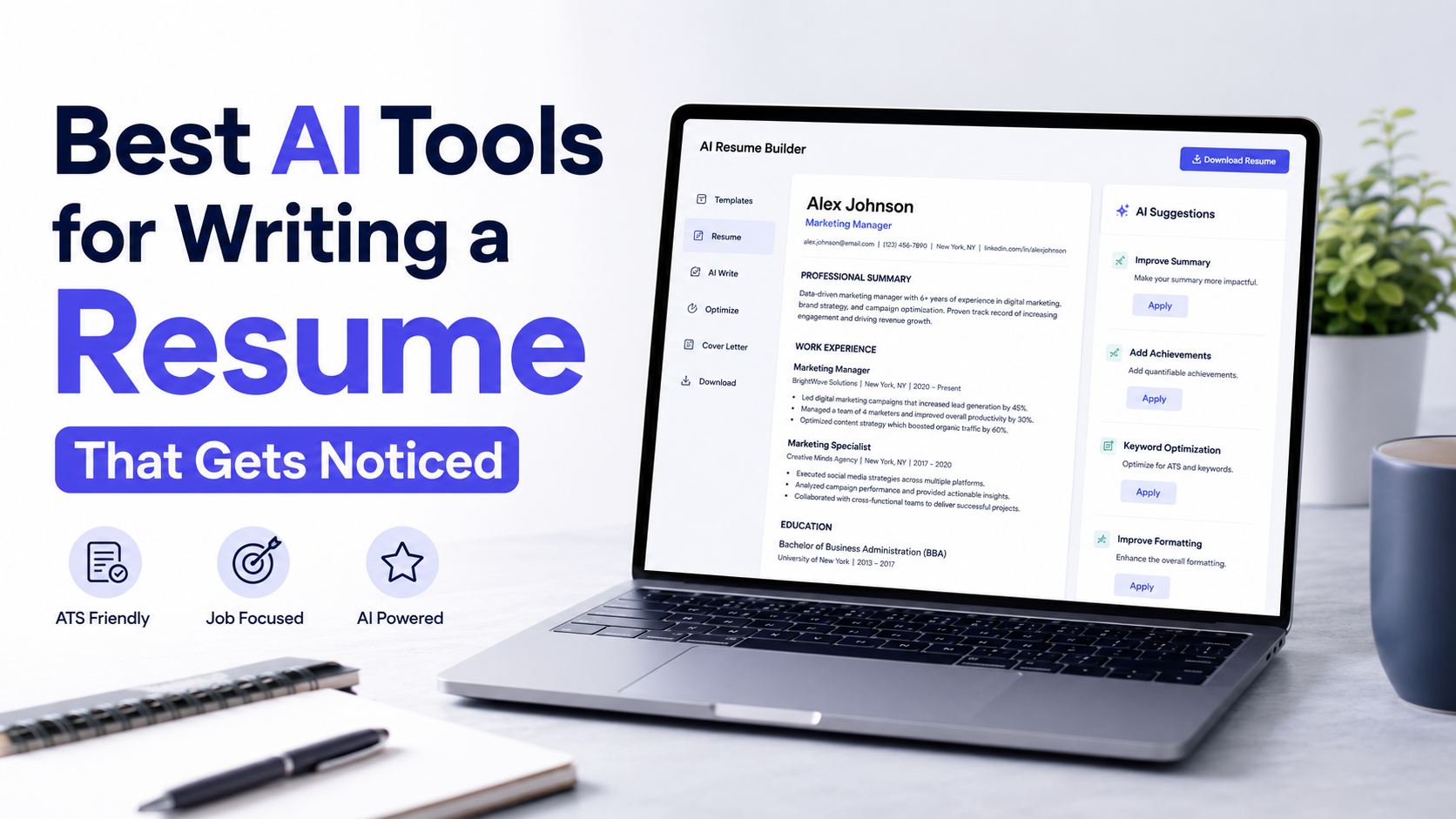
There are dozens of AI resume tools on the market right now, and almost all of them claim to be the best. That claim falls apart the moment you look closely, because these tools are not interchangeable. Some are built to analyze your resume against a job posting. Others are built to write your resume from scratch. A few are built to manage your entire job search, with resume creation as just one piece. Picking the wrong type for your situation is why so many job seekers try an AI resume builder, feel underwhelmed, and assume the whole category is overhyped.
The real question isn’t “Which tool is number one?” It’s “Which problem am I actually trying to solve?. “If you already have a strong resume but keep getting filtered out before a human ever sees it, you need something different than someone who is starting from a blank page. This article breaks down the leading options by what they’re actually good at, explains how applicant tracking systems really work, and shows you how to use AI without ending up with a resume that sounds like it was written by a robot.
Key Takeaways
-
An AI resume builder can generate content, analyze job descriptions, identify keywords, and flag ATS formatting issues, but it cannot guarantee interviews or offers.
-
The right tool depends on your specific bottleneck: diagnosis, organization, ATS safety, or design.
-
Tailoring a resume to each job description meaningfully improves relevance, but should only re-emphasize real experience, never invent it.
-
Free tiers from Jobscan, Teal, Rezi, and Kickresume are usable enough to test before paying.
-
Never let AI add degrees, titles, skills, or achievements you don’t actually have.
-
Review any platform’s privacy policy before uploading a document containing your personal and employment history.
Quick Answer
If you only read one section, here it is:
-
Jobscan (jobscan.co) is best if your main problem is knowing exactly what’s missing from your resume for a specific job posting.
-
Teal (tealhq.com) is best if you want resume building, job tracking, and application management in one connected workspace.
-
Rezi (rezi.ai) is best if you want a resume built from the ground up with ATS formatting as the top priority.
-
Kickresume (kickresume.com) is best if design and visual presentation matter to you as much as content.
-
ChatGPT or Gemini make sense if you’re comfortable writing prompts yourself and want maximum flexibility without a subscription built specifically for resumes.
None of these guarantee an interview or a job offer. What they can do is remove friction, catch formatting problems, and help you present real experience more clearly.
What Does an AI Resume Tool Actually Do?
Strip away the marketing language, and most AI resume tools perform some combination of these functions:
-
Resume generation: turning your work history into formatted sections, bullet points, and a summary.
-
Job description analysis: scanning a posting to pull out the skills, qualifications, and terminology it emphasizes.
-
Keyword identification: comparing your resume’s language against that job description to flag gaps.
-
ATS formatting checks: identifying tables, columns, graphics, or unusual fonts that can confuse parsing software.
-
Bullet-point improvement: rewriting vague statements into more specific, results-oriented language.
-
Resume tailoring: adjusting emphasis so the most relevant parts of your background are easier to find.
What none of them do is guarantee results. An AI resume builder can help you present your qualifications more clearly, but it cannot manufacture qualifications you don’t have, and it cannot control who’s hiring, how many other applicants you’re up against, or a recruiter’s individual preferences. Treat these tools as editing and formatting assistants, not job-offer machines.
What Makes a Good AI Resume Tool?
Before comparing specific products, it helps to know what separates a genuinely useful tool from one that just adds friction:
-
It should let you start from your real resume or LinkedIn profile, not force you to invent content.
-
It should explain why it’s suggesting a change, not just make the change silently.
-
Its ATS formatting checks should be based on how parsing software actually behaves, not vague warnings.
-
It should support multiple resume versions if you’re applying to different types of roles.
-
Its free tier should be usable enough to test before you pay for anything.
Best AI Resume Tools to Consider in 2026
Jobscan: Best for Job-Specific Optimization
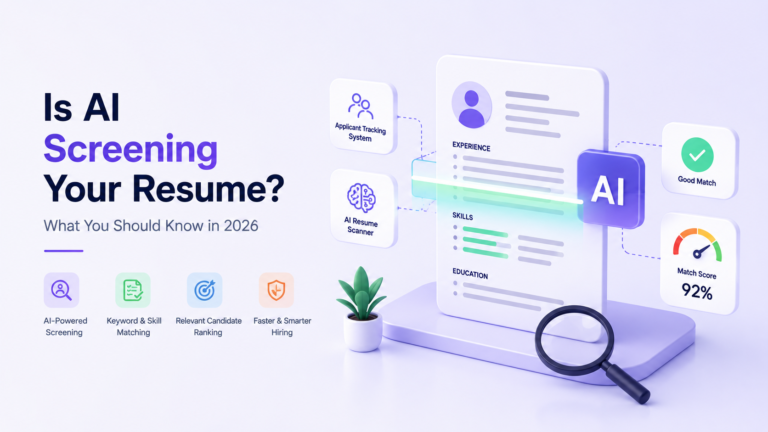
Jobscan’s core product is a match-rate report. You paste in your resume and a target job description, and it returns a percentage score along with a breakdown of missing hard skills, soft skills, and formatting issues. It also identifies which applicant tracking system a specific employer likely uses, since platforms like Workday, Greenhouse, and Taleo each parse resumes somewhat differently.
Jobscan is an analyzer more than a writer. It tells you what’s missing; you still do most of the rewriting yourself, though a premium AI-assisted rewrite feature exists for paid users. The free plan includes a limited number of scans per month, which is enough to test the workflow, while the paid tier unlocks unlimited scans, a LinkedIn optimizer, and a cover letter tool. Pricing has shifted over time, so check the current Jobscan pricing page before subscribing.
Good fit if: You already write reasonably strong resume content and want a detailed diagnostic of what’s missing for a specific role.
Teal: Best for Resume and Job Search Management
Teal positions itself less as a single-purpose resume builder and more as a job search workspace. Alongside its AI resume builder, it includes a job application tracker, a keyword-matching tool that compares your resume to a saved job description, a cover letter generator, and a browser extension for saving listings from job boards.
The free plan lets you build resumes and track applications without a subscription. Paid plans unlock unlimited AI-generated bullet points, unlimited keyword matching, and more design controls. Teal’s own pricing page lists current rates, which have varied across weekly, monthly, and quarterly billing options, so confirm the numbers before committing.
Good fit if you’re managing a high volume of applications and want your resume, job tracker, and outreach templates in one place rather than juggling separate tools.
Rezi: Best for ATS-Focused Resume Creation
Rezi is built around a content-first, ATS-first philosophy. Its templates are intentionally plain: clean section headers, no columns, no graphics, and minimal design flourishes. The idea is to remove anything that could interfere with resume parsing software. Rezi also includes a scoring system that evaluates your resume against a set of formatting and content criteria, along with an AI writer for bullet points and summaries.
The free plan is limited to one resume and a handful of downloads, which is enough to see how the tool works but not much more. The paid plan unlocks unlimited resumes and full AI access, and Rezi also offers a one-time lifetime purchase as an alternative to a recurring subscription. Check the Rezi pricing page for current details.
Good fit if: ATS compatibility is your top concern, and you’re willing to trade visual flair for parsing reliability.
Kickresume: Best for AI Writing and Resume Design
Kickresume leans toward visual variety. It offers a wide template library, with everything from minimalist ATS-labeled designs to more colorful, graphic-heavy layouts. Its AI writer can generate resume content from a job title, rewrite existing bullet points, and translate a resume into other languages, which is useful for job seekers applying across markets.
The free plan includes unlimited resumes and downloads using a handful of basic templates. Premium unlocks the full template library and unlimited AI usage, with monthly, quarterly, and annual pricing options that Kickresume lists on its pricing page. Students and teachers can typically access a free premium period, worth checking directly on the site since eligibility terms change.
Good fit if: You want more design control and are applying to roles or industries where visual presentation carries some weight, alongside solid AI writing support.
AI Resume Tools Comparison
| Tool | Best for | ATS optimization | Resume tailoring | AI writing | Templates | Job search features | Free option | Paid option |
|---|---|---|---|---|---|---|---|---|
| Jobscan | Job-specific match analysis | Strong | Strong (diagnostic) | Limited (add-on) | Basic | LinkedIn optimizer, job tracker | Yes, limited scans | Monthly or quarterly plans |
| Teal | Managing resumes and applications together | Moderate | Strong | Yes. | Moderate, simple designs | Job tracker, browser extension | Yes, generous | Weekly, monthly, quarterly |
| Rezi | Building an ATS-safe resume from scratch | Strong | Moderate | Yes. | Minimal, ATS-focused | AI interview practice | Yes, limited | Monthly or lifetime |
| Kickresume | Design plus AI writing | Moderate | Moderate | Yes. | Wide variety | Career site, job tracker | Yes, generous | Monthly, quarterly, annual |
AI Resume Builder vs ChatGPT: Which Is Better?
General-purpose assistants like ChatGPT and Gemini can absolutely help with a resume. You can paste in your work history and a job description and ask for tailored bullet points, a rewritten summary, or a plain-language explanation of a confusing job posting. The advantage is flexibility. There’s no subscription tied specifically to resumes, and you can iterate on wording however you like.
The tradeoff is structure. A specialized AI resume builder typically includes formatting templates already tested against ATS parsing, built-in keyword comparison against a job posting, and a workflow designed around resumes specifically, rather than open-ended conversation. If you’re not confident about resume formatting conventions, US resume length norms, or what recruiters actually scan for, a structured tool reduces the chance of self-inflicted mistakes like inconsistent formatting or awkward section ordering.
A reasonable approach for many job seekers: use a specialized tool for the base resume and its ATS formatting, then use ChatGPT or Gemini for quick iteration on individual bullet points or for drafting a cover letter once the resume itself is solid. Neither option replaces the judgment of reading your own resume critically before you submit it.
How to Use AI Without Making Your Resume Sound Fake
The most common complaint about AI-assisted resumes is that they start to sound identical to every other AI-assisted resume: heavy on buzzwords, light on specifics. A few practices reduce that risk:
-
Feed the tool your actual accomplishments, not a vague job title. The more specific your input, the more specific the output.
-
Review every AI-generated bullet point and ask whether it reflects something you actually did, in language you’d be comfortable explaining in an interview.
-
Avoid accepting suggestions that add metrics or outcomes you can’t verify.
-
Keep your own phrasing where it already communicates clearly. AI doesn’t need to touch every line.
-
Read the finished resume out loud. If it doesn’t sound like something you’d say about your own work, revise it.
How AI Can Help Tailor a Resume to a Job Description
Submitting the same resume to every employer is one of the most common reasons qualified candidates get overlooked. Job descriptions signal what a specific employer is prioritizing, and your resume should reflect that, without inventing anything new.
Here’s a realistic example. Say a candidate has hands-on experience with Google Ads, SEO, Google Analytics 4, and landing-page optimization. A job posting for a role they’re applying to emphasizes paid acquisition strategy and conversion rate optimization more than SEO. An AI resume tool, when given both the candidate’s real background and the job description, can help identify which existing experience is most relevant, suggest reordering bullet points so paid acquisition and conversion work appear first, and recommend language adjustments, like framing landing-page work in terms of conversion impact rather than general design changes. What it should not do is add achievements the candidate never had, invent conversion rate figures, or claim expertise in tools the candidate hasn’t used. The value is in re-emphasis and clarity, not fabrication.
This kind of tailoring is one of the clearer, measurable uses of an AI resume builder, because it’s solving a specific problem: making genuinely relevant experience easier for a recruiter or an ATS to find.
What an AI Resume Tool Cannot Do
This is worth stating plainly, because it’s where trust in these tools breaks down fastest. AI should never invent:
-
Degrees or certifications you don’t hold
-
Job titles you didn’t have
-
Technical skills you haven’t used
-
Employment history, including dates or companies
-
Achievements or outcomes you can’t substantiate
-
Performance numbers you didn’t measure
-
Responsibilities that weren’t part of your actual role
If a tool generates a bullet point that overstates your involvement in a project or attributes a metric you never tracked, don’t use it. Beyond the ethical issue, fabricated claims tend to surface in interviews the moment someone asks a follow-up question, and inconsistencies between your resume and your actual answers can cost you the offer outright.
Free vs Paid AI Resume Tools
Free tiers across Jobscan, Teal, Rezi, and Kickresume are genuinely usable, not just teasers. They typically cover:
-
Building at least one complete resume
-
Basic AI-assisted content suggestions
-
A limited number of ATS scans or job-description comparisons
-
A handful of templates
Free tiers make sense if you’re applying to a small number of roles, already comfortable with resume formatting, or just testing whether a particular tool’s workflow fits how you think.
Paid plans typically add:
-
Unlimited resume versions and downloads
-
Deeper or unlimited keyword matching against job descriptions
-
Full template libraries
-
Job tracking, LinkedIn optimization, or interview practice features
-
Faster iteration when you’re applying to many roles at once
Paying tends to make more sense if you’re in an active, high-volume search, need multiple tailored resume versions running in parallel, or specifically want a feature locked behind a paywall, like Jobscan’s LinkedIn optimizer or Rezi’s full AI writer access. It rarely makes sense to pay for a tool you haven’t tested on the free tier first.
Resume Privacy and Data Considerations
A resume is a dense package of personal information: your name, email, phone number, home location, employment history, education, and often details about past employers and responsibilities. Before uploading yours to any platform, it’s worth understanding how that platform handles your data.
At minimum, check whether the tool states how long it retains your information, whether it shares data with third parties, and whether you can delete your account and data if you stop using the service. Most established resume platforms publish a privacy policy that addresses these points directly. This isn’t a reason to avoid AI resume tools altogether, but it is a reasonable step before uploading a document that contains your full career history and contact details.
How to Choose the Right AI Resume Tool
A simple way to decide:
-
If you don’t know why your resume isn’t getting responses for a specific job, start with a diagnostic tool like Jobscan.
-
If you’re applying to many roles and need to keep versions and applications organized, Teal’s combined workspace is more efficient.
-
If ATS compatibility is your biggest fear, Rezi’s minimal, parsing-focused templates reduce that risk.
-
If you want strong visual design without sacrificing AI writing support, Kickresume covers both.
-
If you already know what a strong resume looks like and just want a flexible drafting partner, ChatGPT or Gemini can work without a dedicated subscription.
For a broader look at how AI fits into the rest of your job search, from application tracking to interview prep, see NeuralBlogger’s guide on AI job search tools and how they can help you get hired faster. This article focuses specifically on the resume itself; that one covers the wider workflow.
Common Mistakes to Avoid
-
Chasing a perfect ATS match score at the expense of readability for an actual human.
-
Accepting every AI-generated bullet point without editing it in your own voice.
-
Using one generic resume for every application instead of tailoring emphasis per role.
-
Ignoring formatting warnings about tables, columns, or graphics that can break parsing.
-
Uploading sensitive personal documents to a platform without checking its privacy policy first.
-
Assuming a high match score guarantees an interview. It doesn’t.
Final Verdict
There isn’t a single best AI resume tool, because “best” depends entirely on what’s actually broken in your job search right now.
Choose Jobscan if you need a detailed diagnosis of why your resume isn’t matching specific job postings. Choose Teal if you want your resume builder connected to a full application-tracking workflow. Choose Rezi if ATS parsing reliability matters more to you than visual design. Choose Kickresume if you want a wide template selection alongside solid AI writing tools. Use ChatGPT or Gemini if you’re confident writing your own prompts and want flexibility without a resume-specific subscription.
Whichever you pick, the tool is only doing the formatting and diagnostic work. The judgment about what’s true, what’s relevant, and what you’re willing to stand behind in an interview still belongs to you.

Nikunj Pandya
Nikunj Pandya is an AI and technology professional with over 5 years of experience exploring how emerging technologies can solve real-world problems. He focuses on Artificial Intelligence, AI Search, and AI tools, sharing practical insights to help readers understand and make better use of new technology.